
Roles
One product, the right screen for each role.
Nine roles, each with its own view. Permissions are checked by the server on every request, not just hidden in the interface.
Owners
The whole studio on one screen: open work, triage, approvals, sales pipeline and margins.
- Cost, margin and billing
- Leads, clients and settings
- Users and permissions
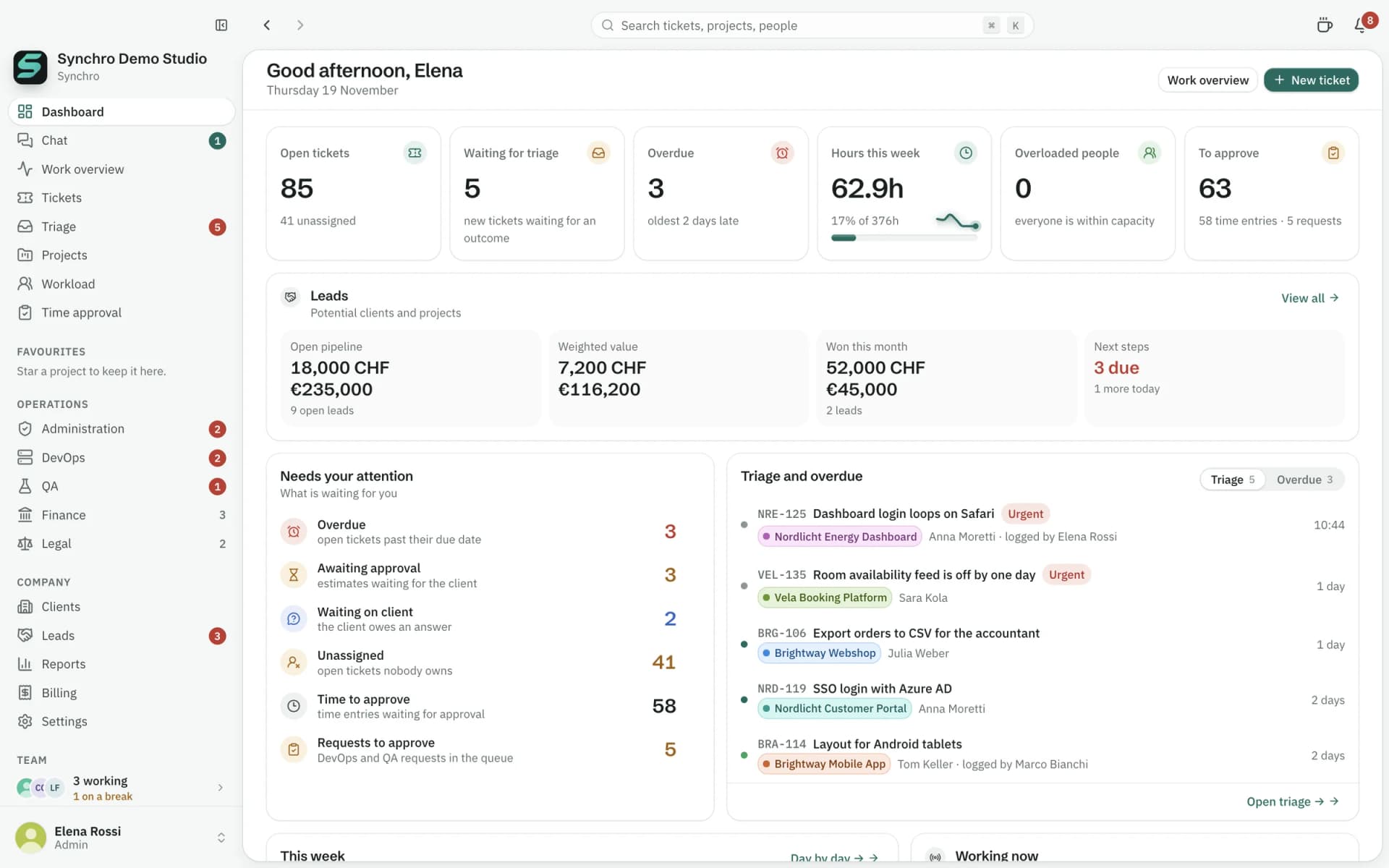
Every role at a glance.
Owners
The whole studio on one screen: open work, triage, approvals, sales pipeline and margins.
Cost, margin and billing · Leads, clients and settings · Users and permissions
Project managers
The projects you run, with triage, estimates, planning and team capacity.
Triage and estimates · Team workload and assignments · Time approval
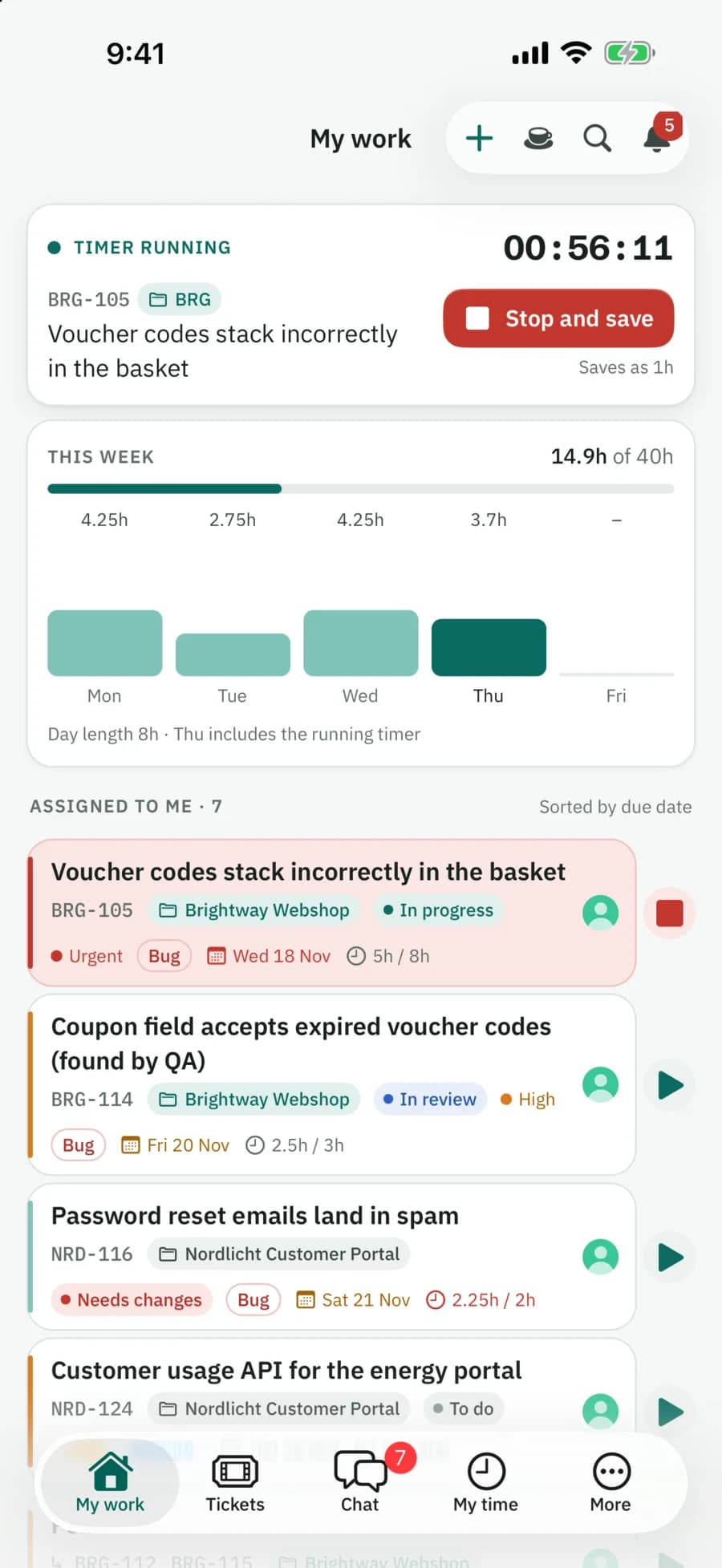
Developers
Their own queue, timer and week. No plans to fill in.
My work, sorted by due date · One-click timer · Only their own hours
DevOps
A queue ranked by priority: Start takes the next item and starts the timer.
DevOps request queue · Environment keys vault · Deploy tokens
QA
Everything waiting for a test, to pass or send back with proof.
To test list · Send back with a screenshot · Dedicated QA queue
Finance
What to invoice, reports and approved hours, read-only.
Billing per client · Reports for any period · Finance request queue
Legal
Clients, contracts and emails sent, read-only.
Contract terms · Client email history · Legal request queue
Clients
A simple portal to report issues, follow progress and approve estimates.
Plain-language statuses · Estimate approval · No internal details visible
Office screen
A TV dashboard: work by project, running timers, who is on a break.
Read-only · Live updates · This week’s results
See it on your own projects.
A 30-minute walkthrough on a scenario like yours: from WhatsApp message to ticket, from estimate approval to month-end invoice.