
Office screen
The studio's pulse on the office TV.
A read-only dashboard: open work by project, running timers, who is on a break and this week's results.
Highlights
- Open, in progress, in review and resolved this week compared with last week.
- Team states: working, on a break, around or away.
- Latest activity and what was resolved each day.
- Full screen and keeps the display awake in the desktop app.
How it works
Sign in the screen
Use the read-only office screen account on a TV browser or the desktop app.
Go full screen
The desktop app keeps the display awake.
Leave it on
It updates live and shows a banner if the connection drops.
Shared focus
Everyone sees the same priorities without a meeting.
Breaks respected
“On a break” shows on the screen, in chat and in widgets.
Safe to leave on
A dedicated read-only account that can't open tickets or money.
Questions
Can the screen open tickets or see money?
No. It is a read-only role with no access to tickets, costs or billing.
What does it show?
This week’s numbers, work by project, team states, latest activity and daily results.
Related features
All features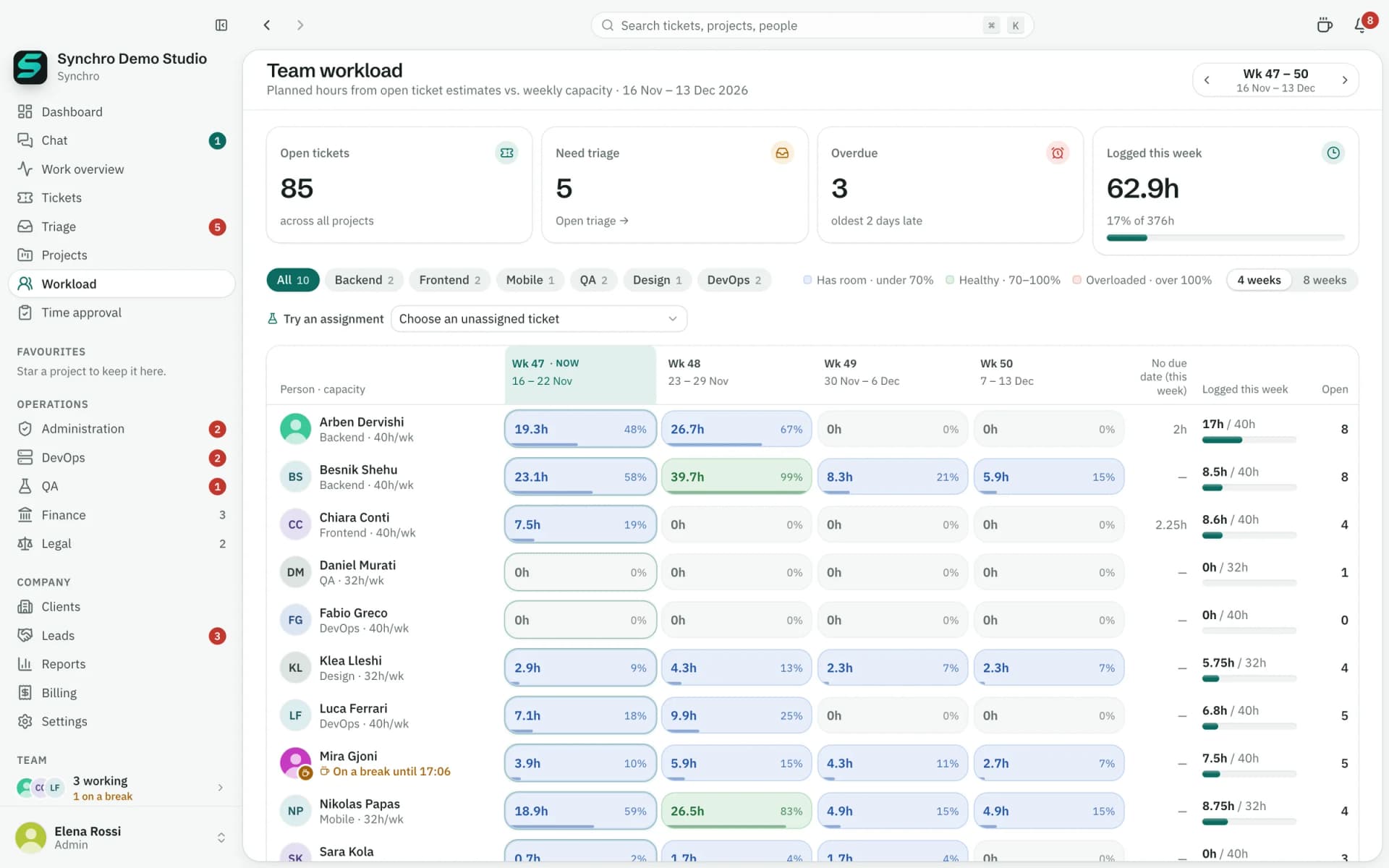 Team workloadEach person's week as a percentage of their capacity, calculated from estimates and due dates. Nobody has to fill in a plan.
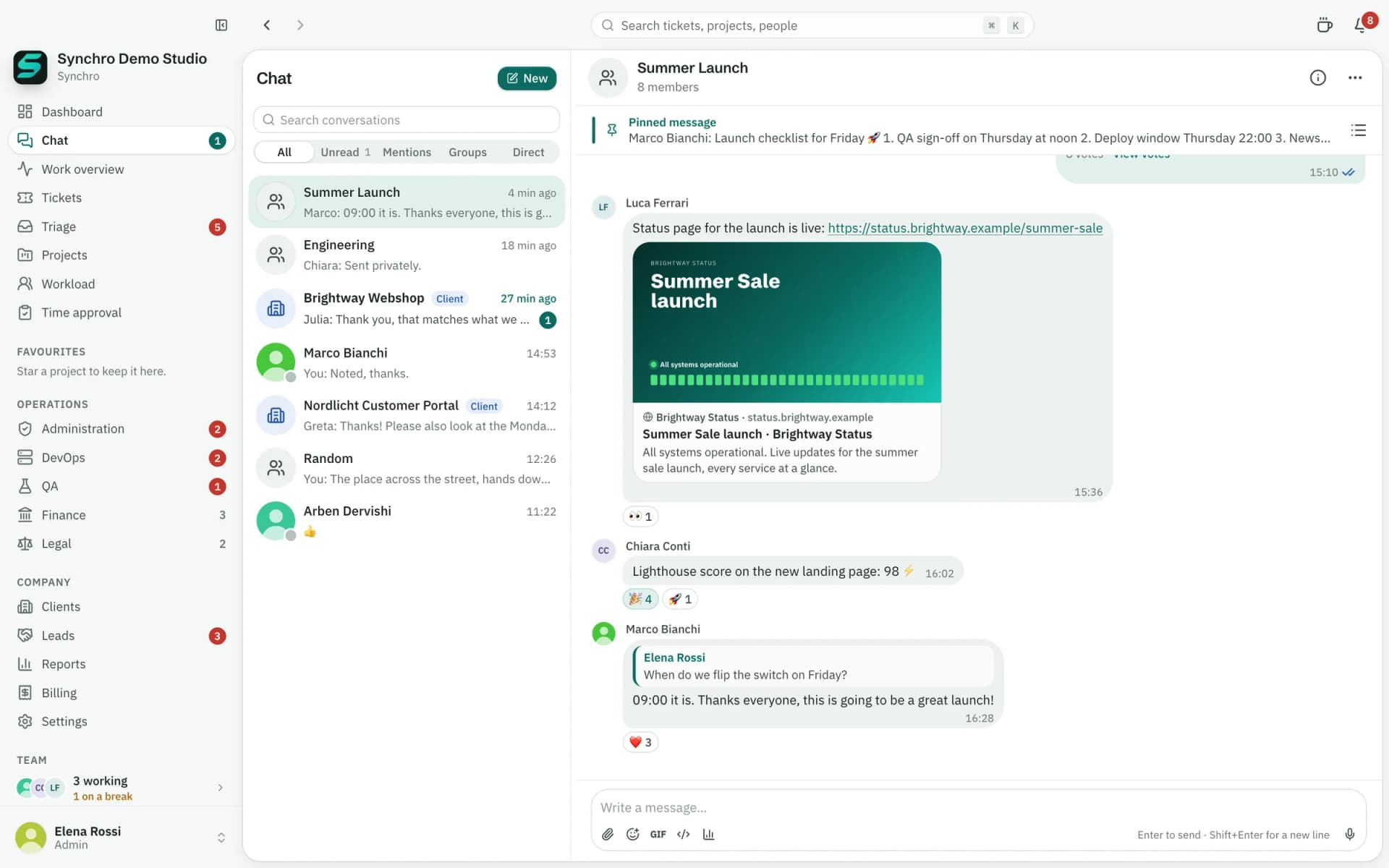 Chat and callsDirect messages, groups, a group per project and a client channel per project, with voice and video calls and screen sharing.
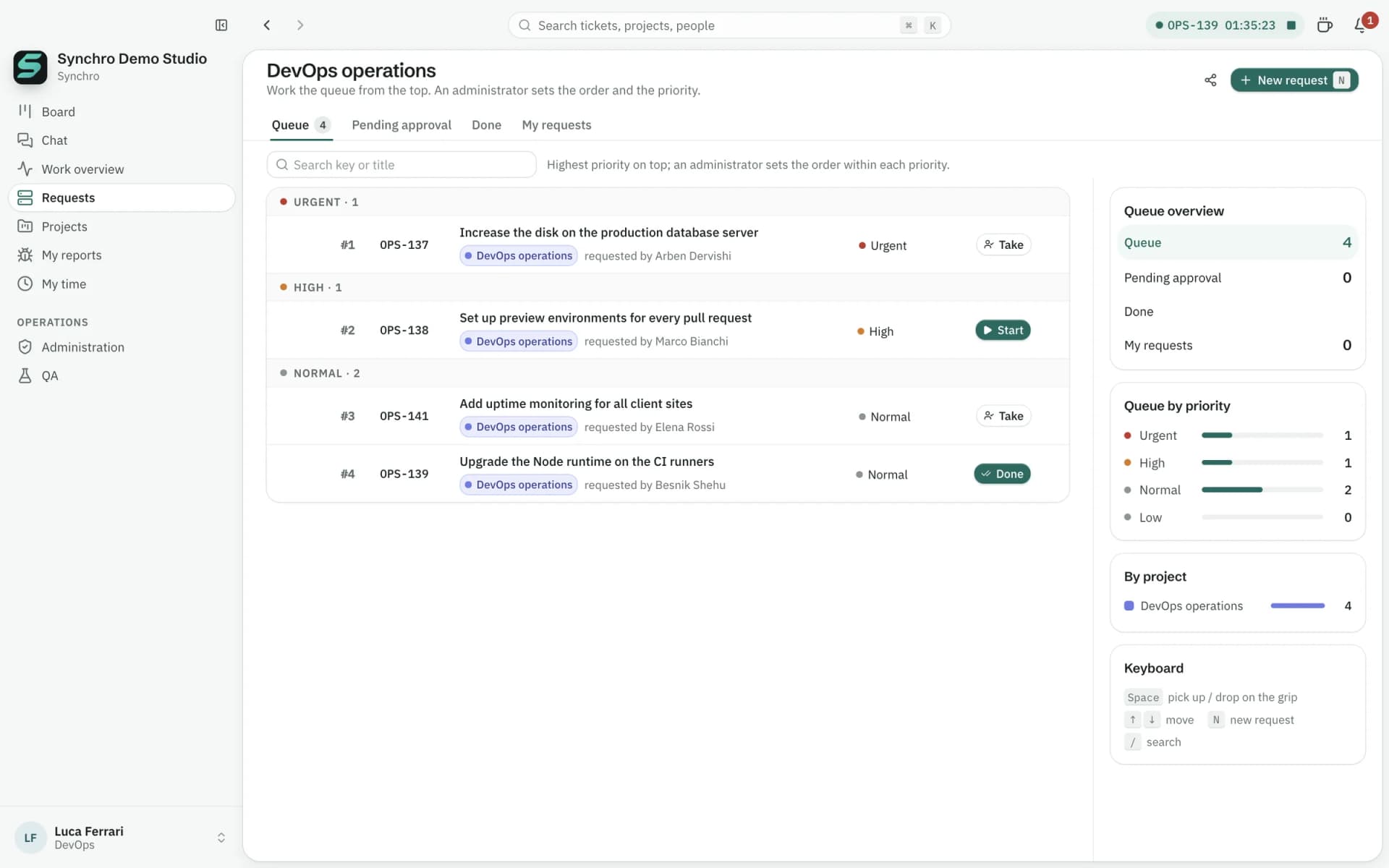 Work queuesThe team asks DevOps, QA, administration, finance or legal for help, and every request lands in a queue with a timer.
See it on your own projects.
A 30-minute walkthrough on a scenario like yours: from WhatsApp message to ticket, from estimate approval to month-end invoice.