
Chat and calls
The team talks, and calls, where the work is.
Direct messages, groups, a group per project and a client channel per project, with voice and video calls and screen sharing.
Highlights
- One-to-one and group calls for up to 16 people, with screen sharing and chat beside the call.
- Replies, reactions, pins, polls, mentions, voice notes, GIFs and code blocks.
- Sent, delivered and seen receipts; search with a Media, Files and Links view.
- Builds and big files up to 2 GB: APK, IPA, ZIP.
How it works
Talk in context
Every project has a team group and a client channel, plus direct messages for everything else.
Call in one click
Start a voice or video call, share your screen and keep chatting beside it.
Share what matters
Link tickets, send voice notes, files and builds up to 2 GB.
Call the client from the project
Clients join calls in their project channel; a call can ring a locked phone.
Private by default
Message text is encrypted in the database and notifications don't show it.
Yours to style
26 chat themes and backgrounds, per person.
Questions
Can clients join calls?
Yes, from their project’s client channel, on the web or on their phone.
How many people fit in a group call?
Up to 16, with screen sharing.
Related features
All features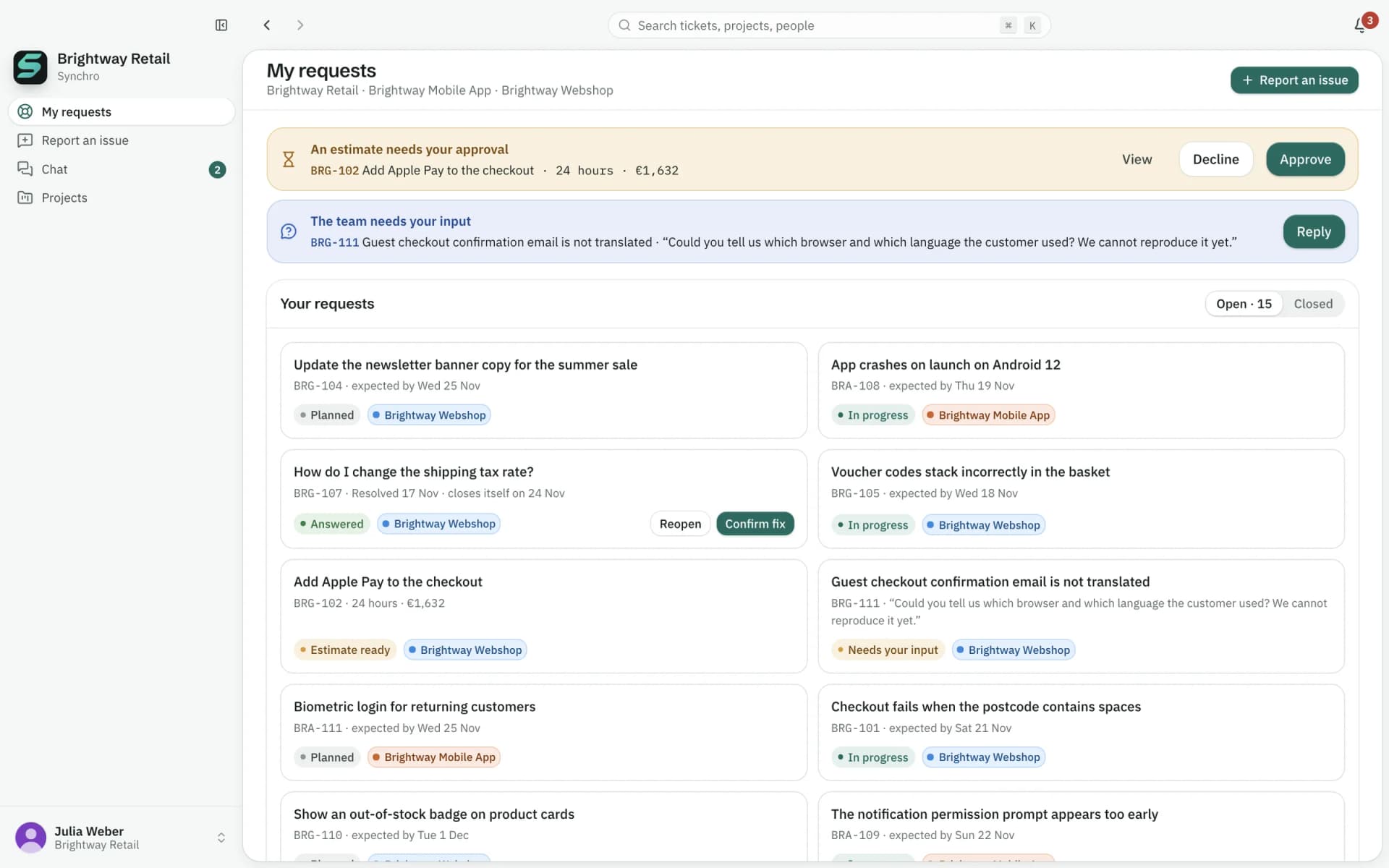 Client portalA portal where the client reports, replies, confirms fixes and approves estimates before work starts.
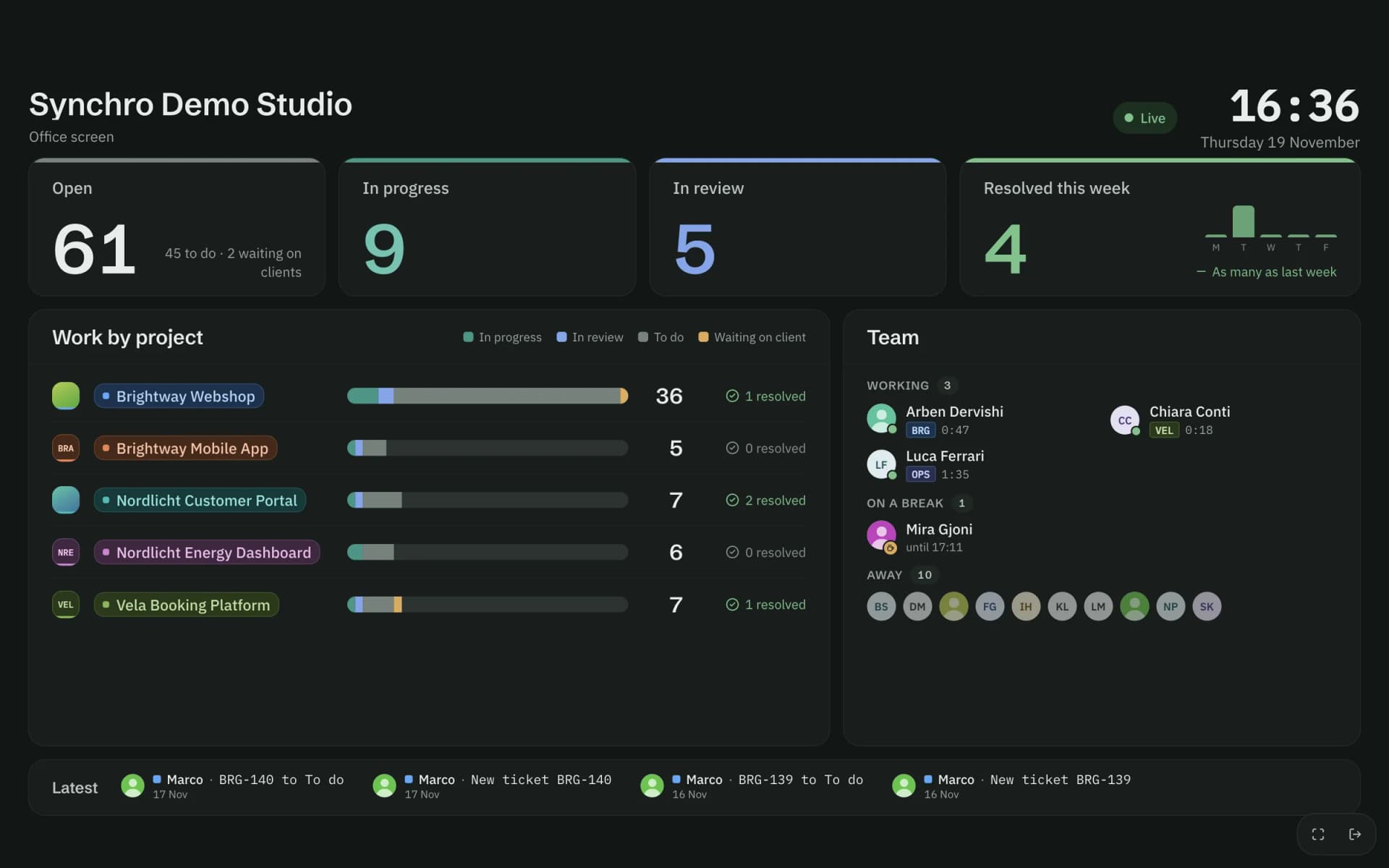 Office screenA read-only dashboard: open work by project, running timers, who is on a break and this week's results.
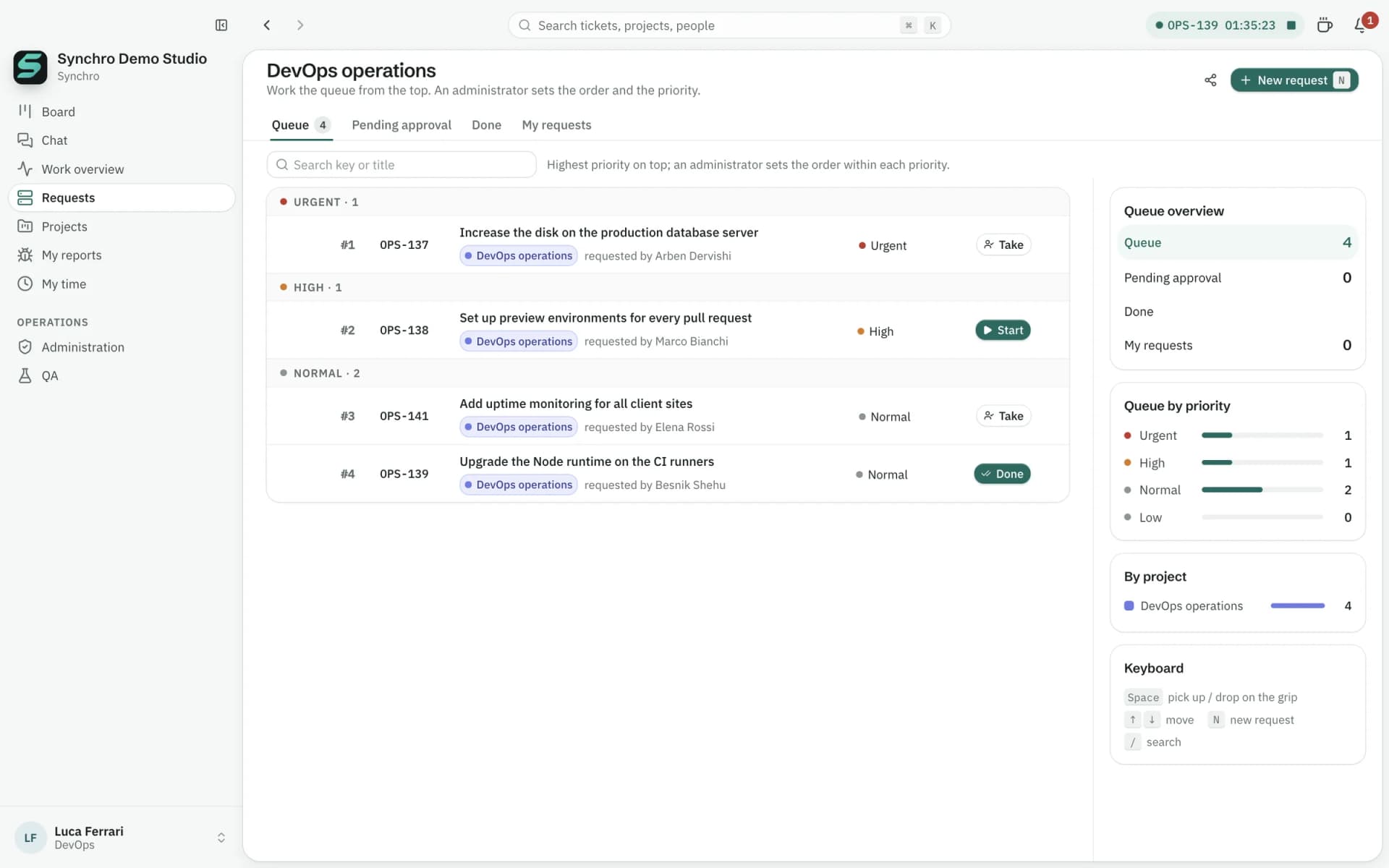 Work queuesThe team asks DevOps, QA, administration, finance or legal for help, and every request lands in a queue with a timer.
See it on your own projects.
A 30-minute walkthrough on a scenario like yours: from WhatsApp message to ticket, from estimate approval to month-end invoice.