
Client portal
Clients see progress, not your kitchen.
A portal where the client reports, replies, confirms fixes and approves estimates before work starts.
Highlights
- Received, Planned, In progress, Needs your input, Resolved, Closed.
- A four-step tracker on every request, grouped into Needs you, In progress and Received.
- Estimates show hours and price by contract type, ready to approve.
- Internal notes, assignees and hours spent are never visible.
How it works
Invite the contact
Each client contact gets a welcome email with a one-time link to set a password.
Report and follow
The client reports with a screenshot, follows a four-step tracker and replies in the thread.
Approve and confirm
Estimates wait for approval; when work is resolved, the client confirms the fix or reopens it.
Fewer “any news?” messages
Every client contact hears team replies and status changes automatically.
Approved before it starts
Change requests wait for the client's yes, with the price in front of them.
A channel per project
Clients chat and call the team in their project's own channel.
Questions
Do client users cost extra?
No. Client contacts are free and unlimited on every plan.
Can one contact work with several companies?
Yes. A contact can be linked to several client companies and see the projects of each.
Related features
All features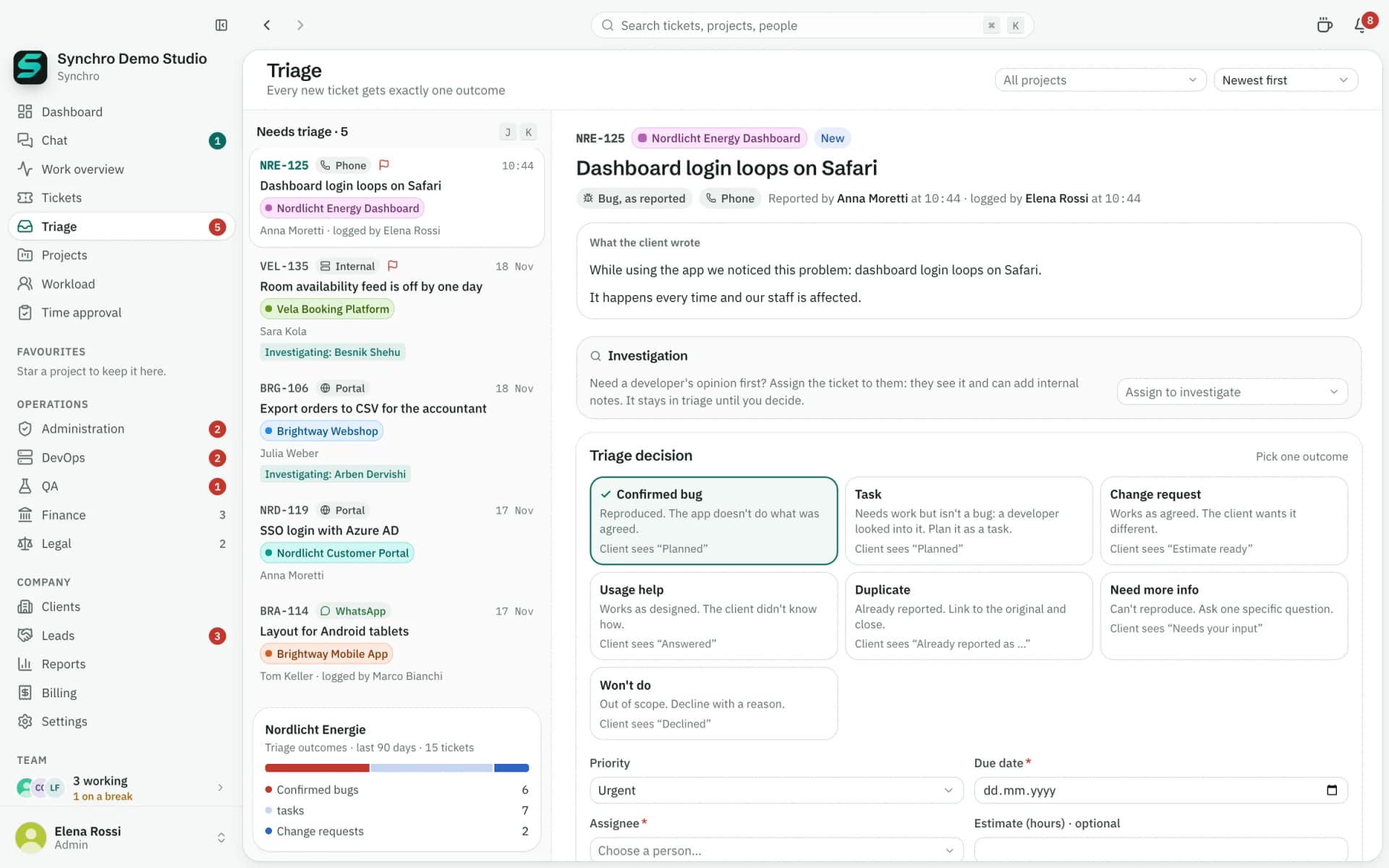 TriageEvery new report gets exactly one outcome. Changes are estimated and approved instead of being given away.
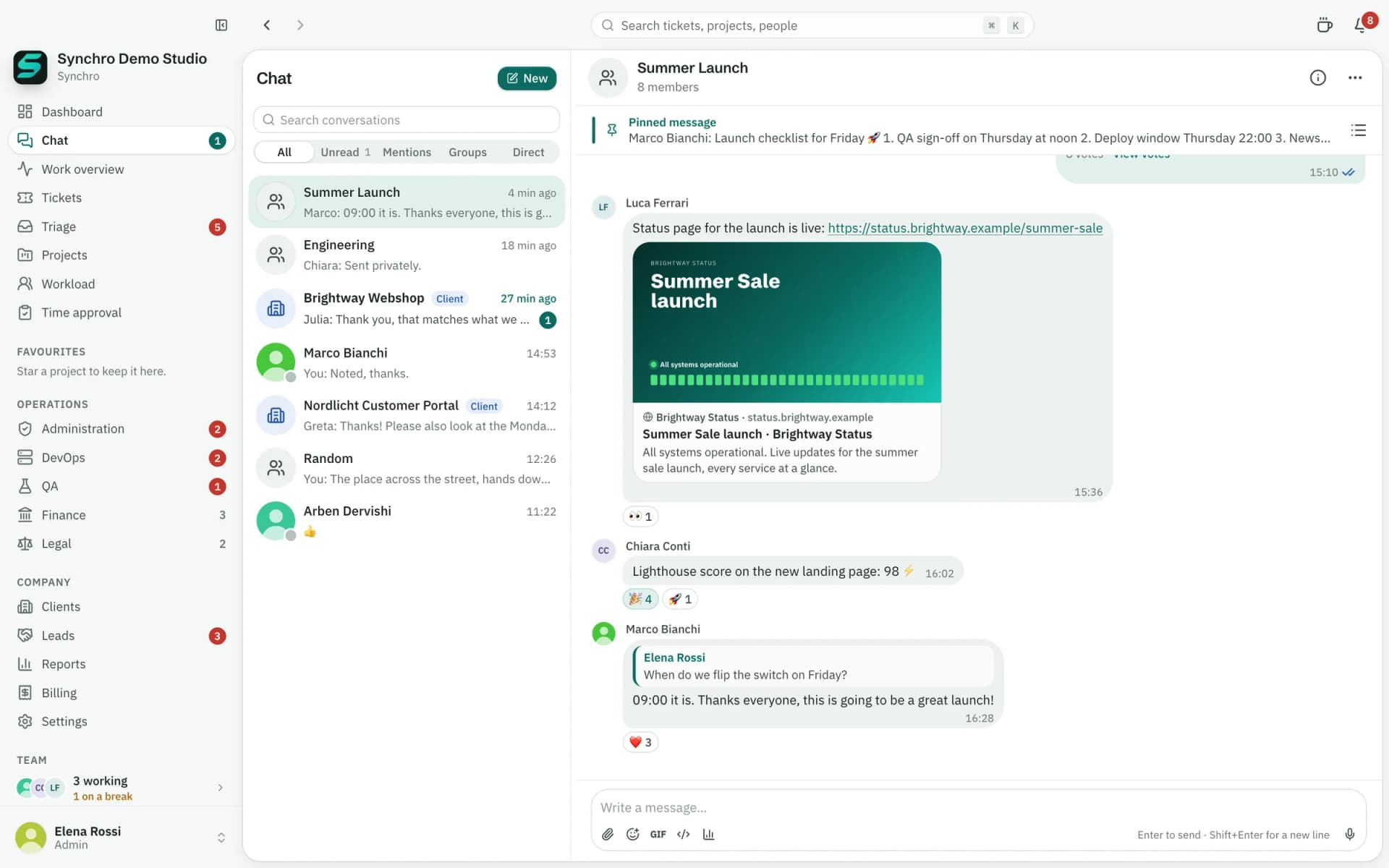 Chat and callsDirect messages, groups, a group per project and a client channel per project, with voice and video calls and screen sharing.
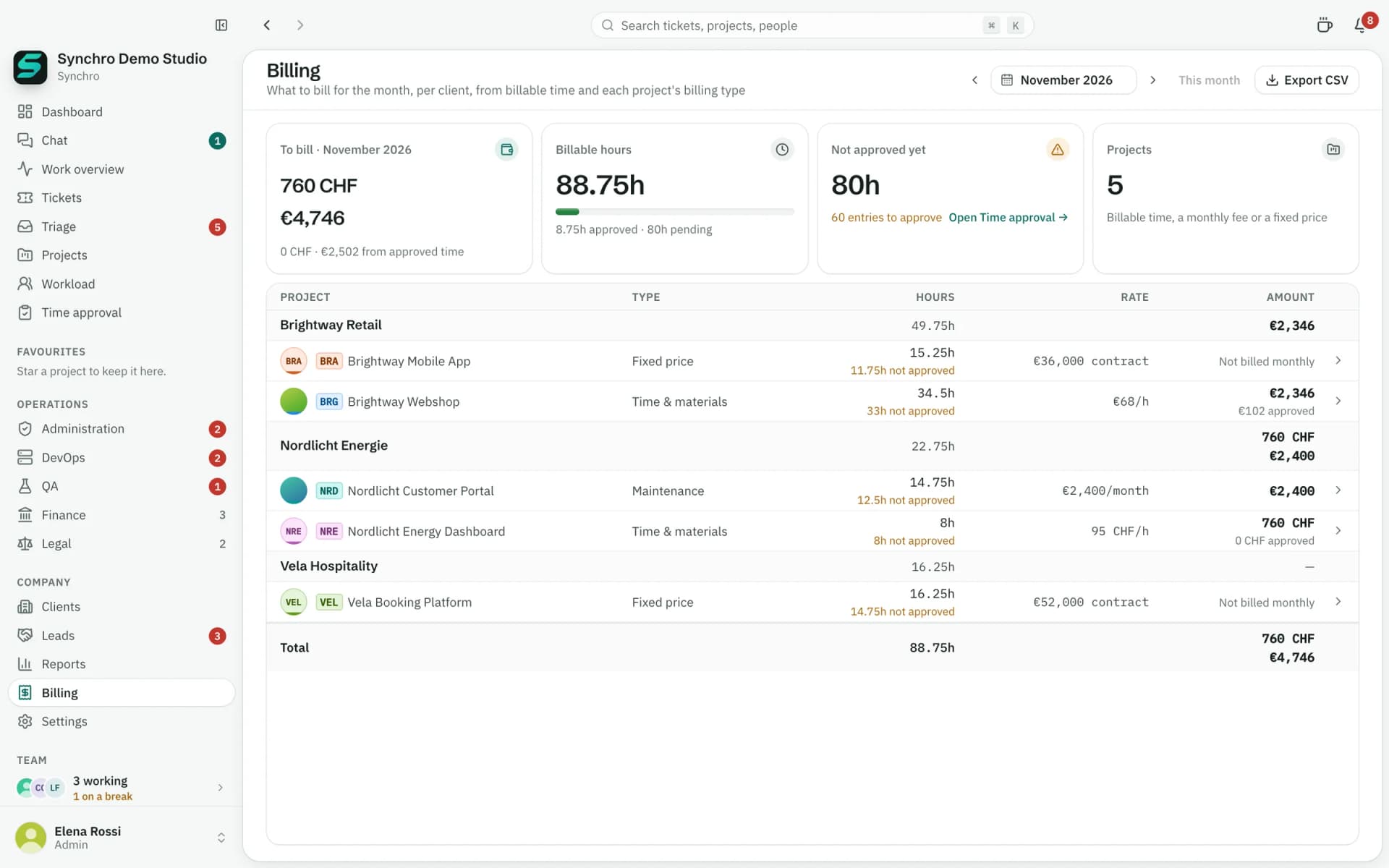 Billing and reportsWhat to invoice each client, calculated from billable hours and each project's contract type.
See it on your own projects.
A 30-minute walkthrough on a scenario like yours: from WhatsApp message to ticket, from estimate approval to month-end invoice.