
Time tracking
One click to start. Every hour on the right ticket.
One timer per person, started from the ticket they are already working on. Approved hours lock.
Highlights
- Starting a new timer saves the previous one automatically.
- Rounded up to the quarter hour; a manual entry takes ten seconds.
- Leads approve a week in a minute, or decline with a reason that can be fixed and resent.
- My time by week or month, with a chart and CSV export.
How it works
Start from the ticket
One click starts the timer; starting another one saves the first.
Round and review
Entries round up to the quarter hour, and a manual entry takes seconds.
Approve the week
Leads approve, or decline with a reason; approved hours lock.
Developers don't mind it
No timesheets: the timer lives where the work is, even in the Dynamic Island.
Hours you can invoice
Every hour is tied to a ticket, a project and a contract.
Status follows the work
Logging time on a To do ticket moves it to In progress.
Questions
Can people track time on their phone?
Yes. The timer runs in the mobile apps, on the lock screen and in a home-screen widget.
Can we change the rounding?
Yes. Admins set the rounding, in minutes, in the company settings.
Related features
All features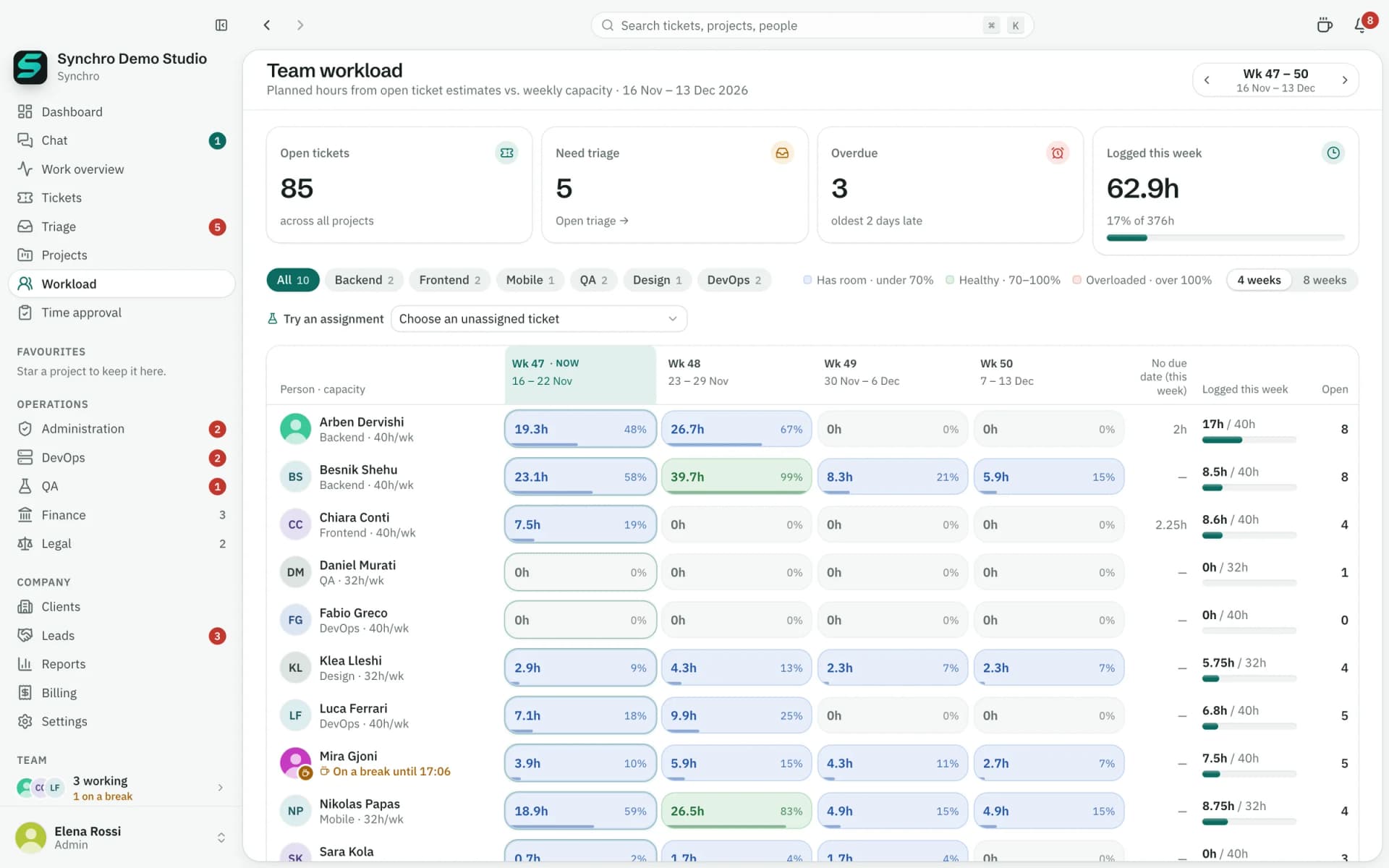 Team workloadEach person's week as a percentage of their capacity, calculated from estimates and due dates. Nobody has to fill in a plan.
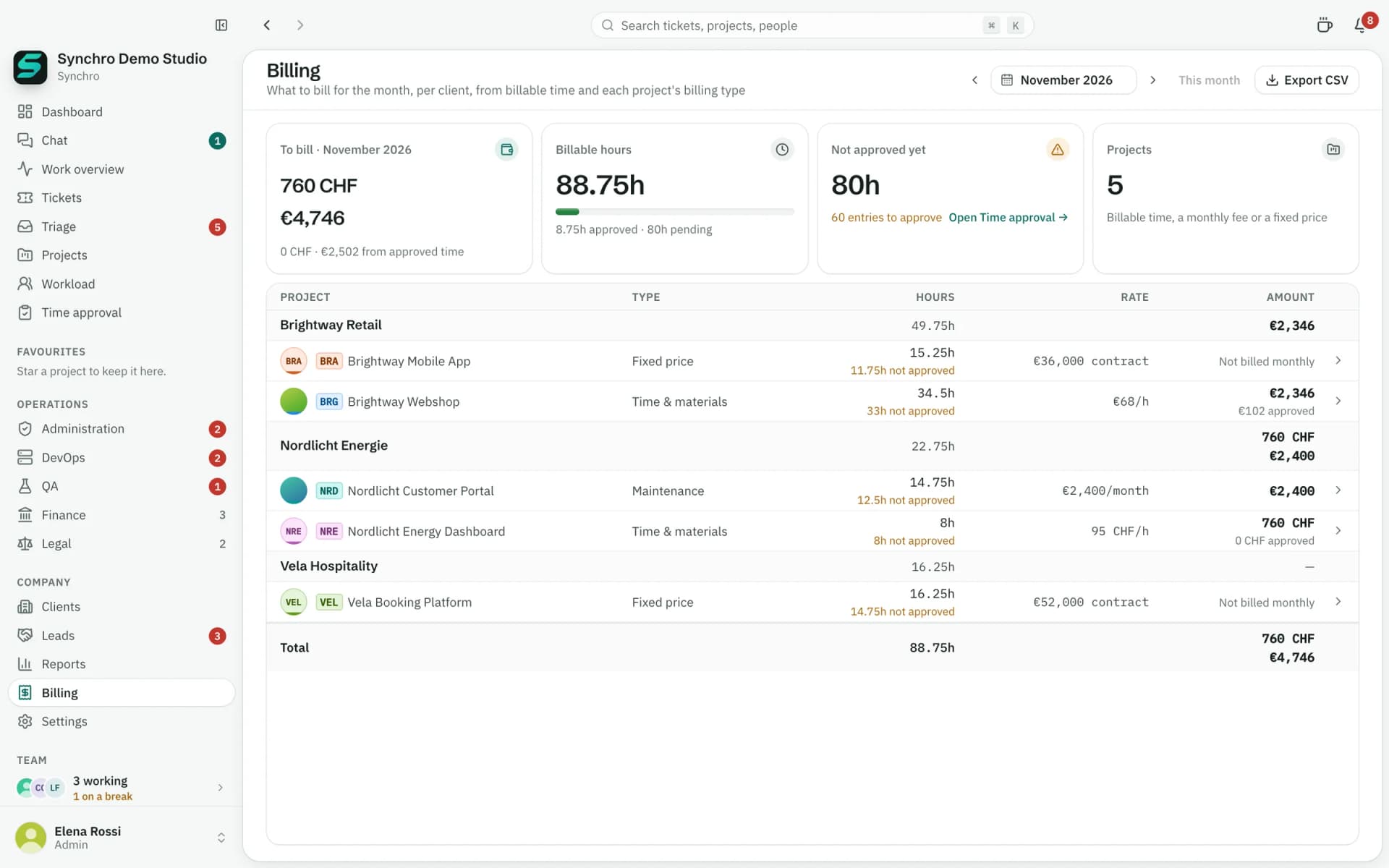 Billing and reportsWhat to invoice each client, calculated from billable hours and each project's contract type.
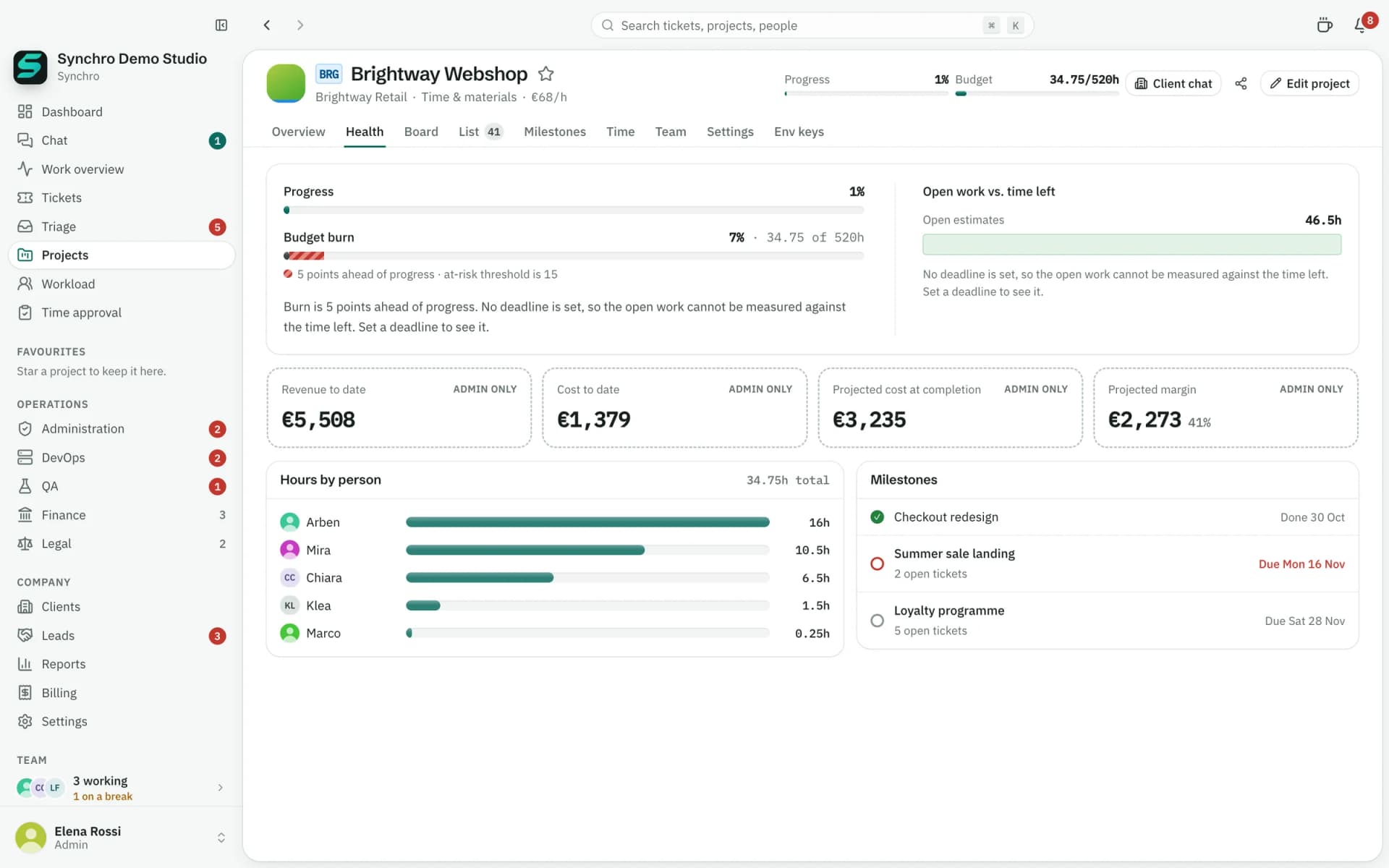 Project healthProgress against budget burn, the pace of the last two weeks and the projected margin at completion.
See it on your own projects.
A 30-minute walkthrough on a scenario like yours: from WhatsApp message to ticket, from estimate approval to month-end invoice.