
Server map
Every server, domain and service on one map.
Servers, databases, storage, cloud, load balancers, firewalls, domains and external services, with the client apps that run on each.
Highlights
- Pan, zoom and a minimap; filter by client, environment or kind.
- Labelled arrows, one-way or two-way, between any two nodes.
- IPs, ports, domains, owner and environment on every node.
- A list view with sorting for when a map is too much.
How it works
Add the nodes
Servers, databases, storage, domains and services, with IPs, ports and environment.
Draw the connections
Labelled arrows show what talks to what, one way or both.
Place the apps
Show which client project runs where, and in which environment.
Answers “where does this run?”
The whole team can read the map; only admins and DevOps change it.
No secrets on the map
Text that looks like a password or key is refused.
Linked to the vault
An app links to its project's environment keys, if you're allowed to see them.
Questions
Can we keep passwords on the map?
No. Text that looks like a password or key is refused; secrets belong in the vault.
Who can edit the map?
Owners and DevOps. Managers, developers and QA can read it.
Related features
All features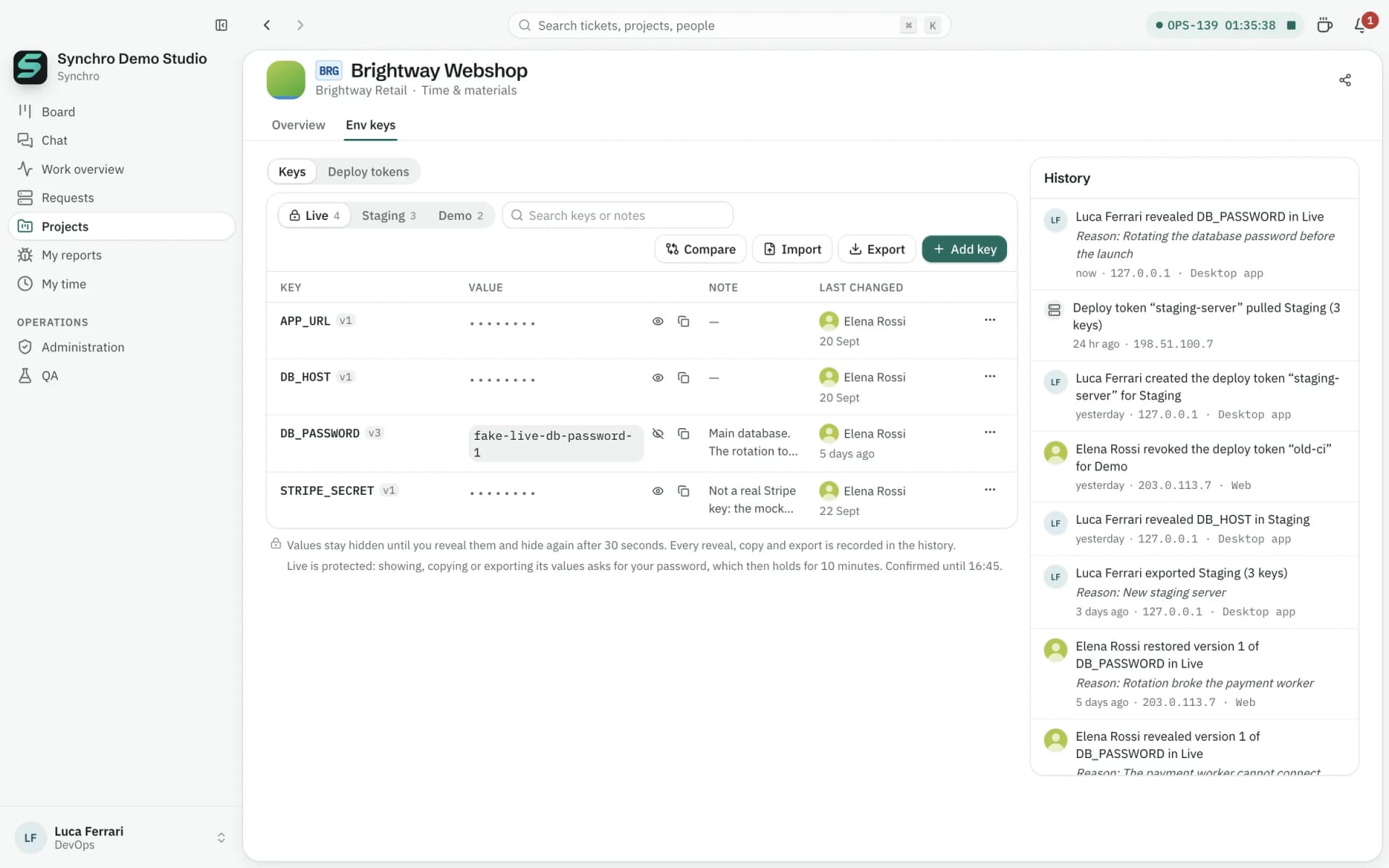 Environment keys vaultVariables per environment, Live, Staging and Demo, encrypted and password-protected. Every value revealed or exported is logged.
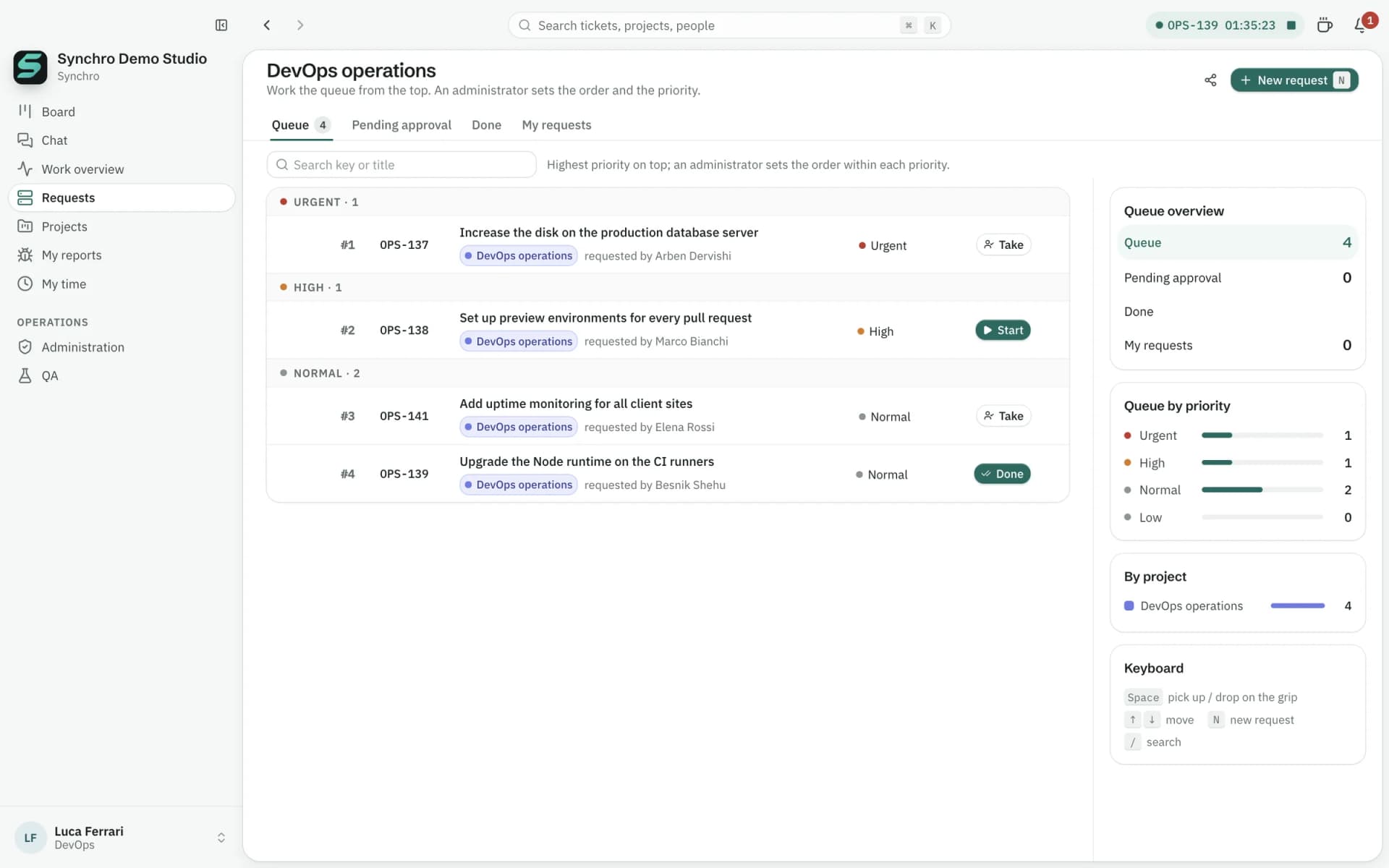 Work queuesThe team asks DevOps, QA, administration, finance or legal for help, and every request lands in a queue with a timer.
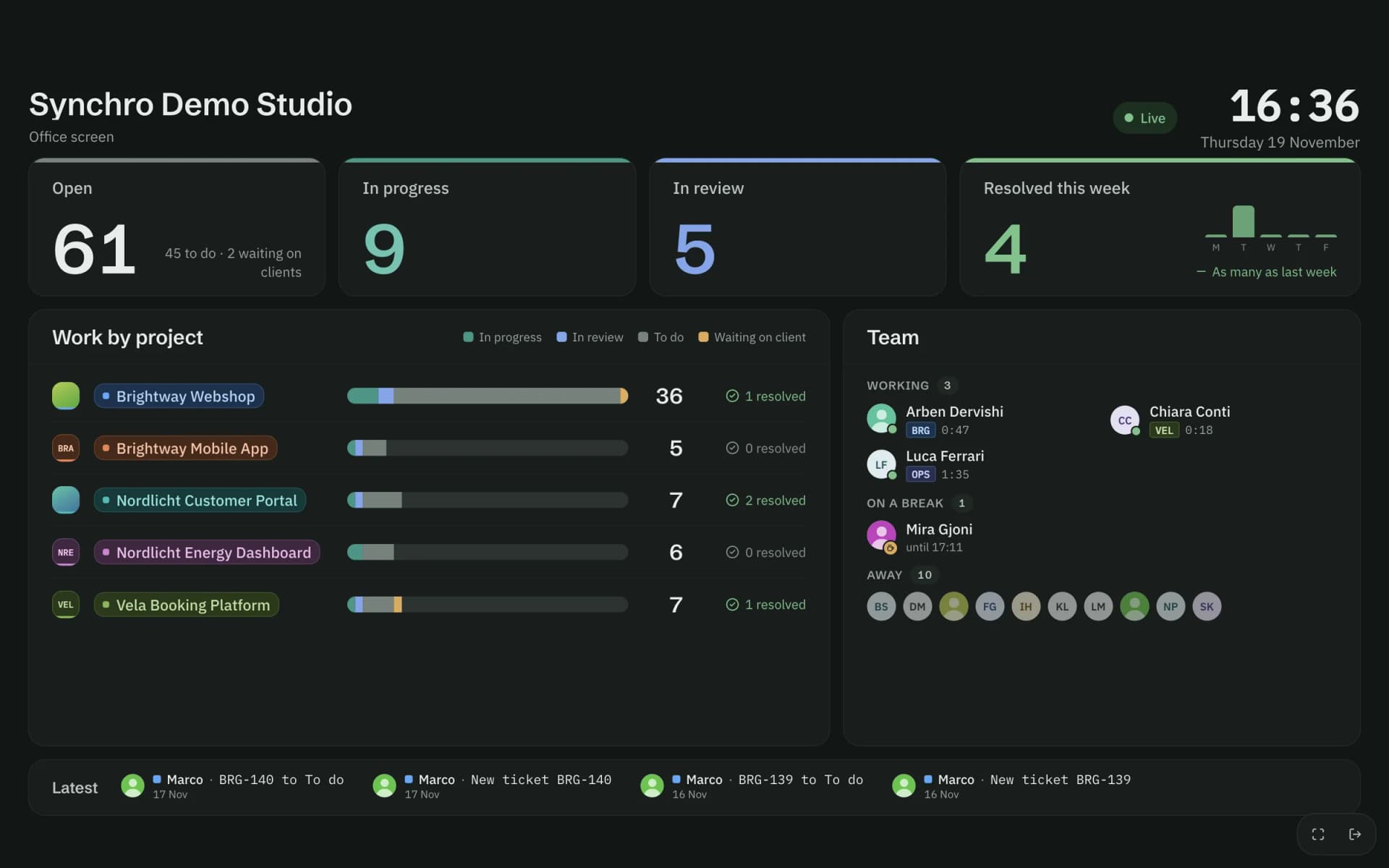 Office screenA read-only dashboard: open work by project, running timers, who is on a break and this week's results.
See it on your own projects.
A 30-minute walkthrough on a scenario like yours: from WhatsApp message to ticket, from estimate approval to month-end invoice.