
Team workload
Know who has room before you assign.
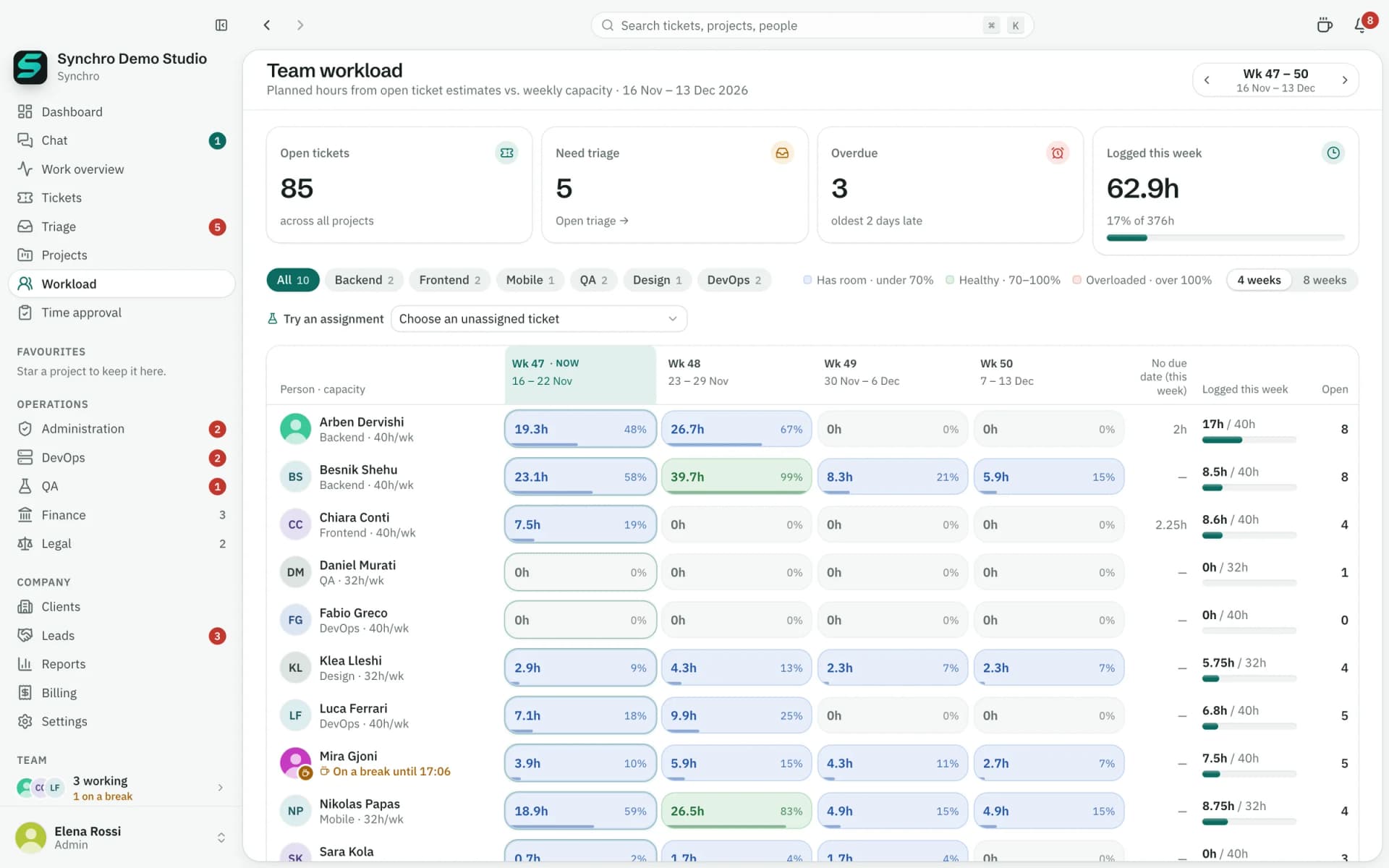
Each person's week as a percentage of their capacity, calculated from estimates and due dates. Nobody has to fill in a plan.
Highlights
- Has room under 70%, healthy from 70% to 100%, overloaded above 100%.
- A four- or eight-week heat map, and a day strip for each person.
- “Try an assignment” shows each person's +hours and new percentage, and suggests the lightest.
- A warning before an assignment pushes someone over 100%.
How it works
Set capacity
Each person has weekly hours; company holidays and the length of a working day come from settings.
Estimate the work
Estimates and due dates spread each ticket’s hours over the days before it is due.
Assign with confidence
“Try an assignment” shows each person’s new percentage before you commit.
No more surprise deadlines
Overload is visible this week, not after something slips.
Capacity that's real
Weekly hours, company holidays and working-day length come from settings.
Plans fill themselves
Estimated work without a due date spreads over the rest of the week.
Questions
Does anyone need to plan their week?
No. Workload is calculated from estimates and due dates; nobody fills in a schedule.
What about work without a due date?
Estimated work without a due date is spread over the rest of the current week.
Related features
All features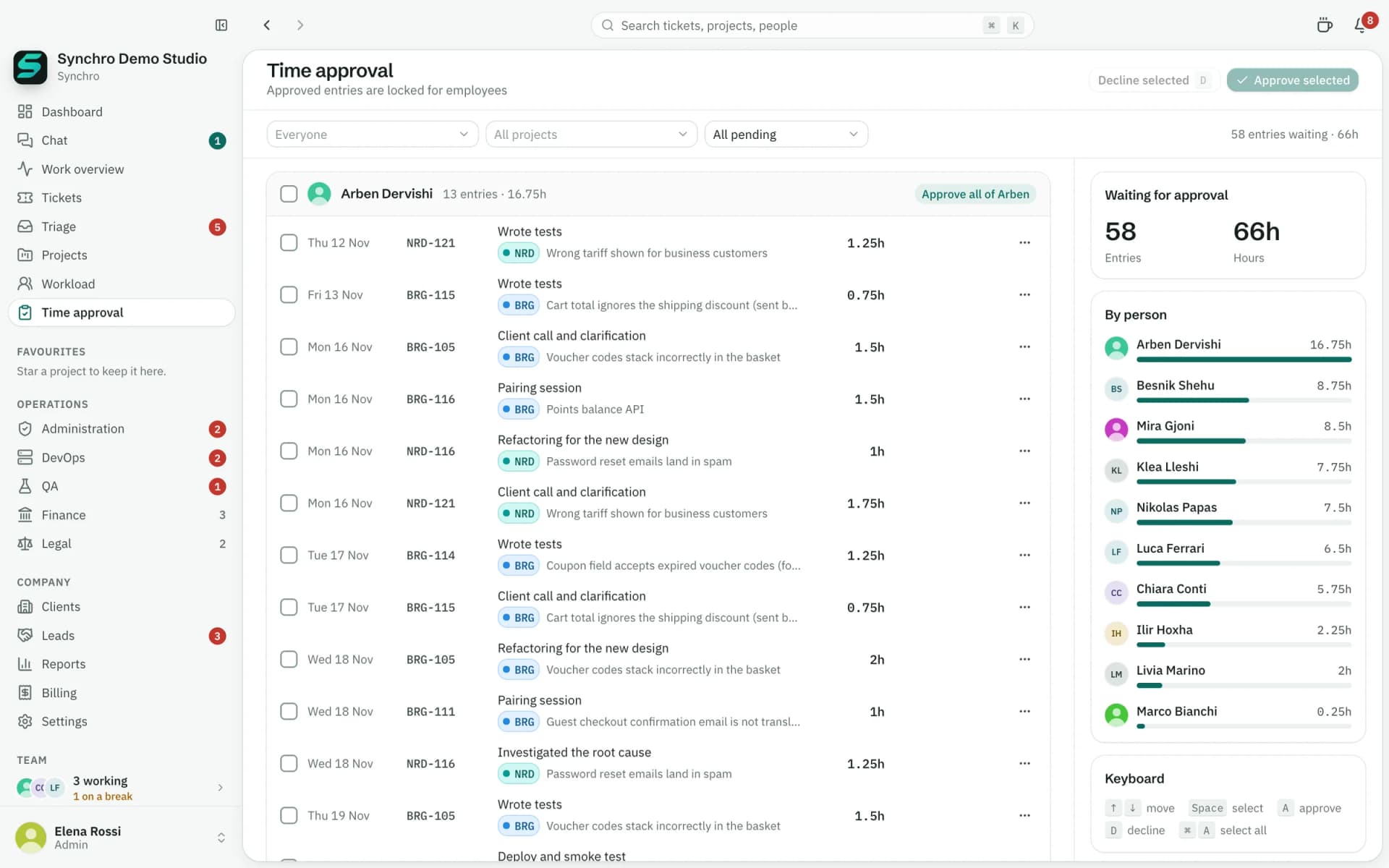 Time trackingOne timer per person, started from the ticket they are already working on. Approved hours lock.
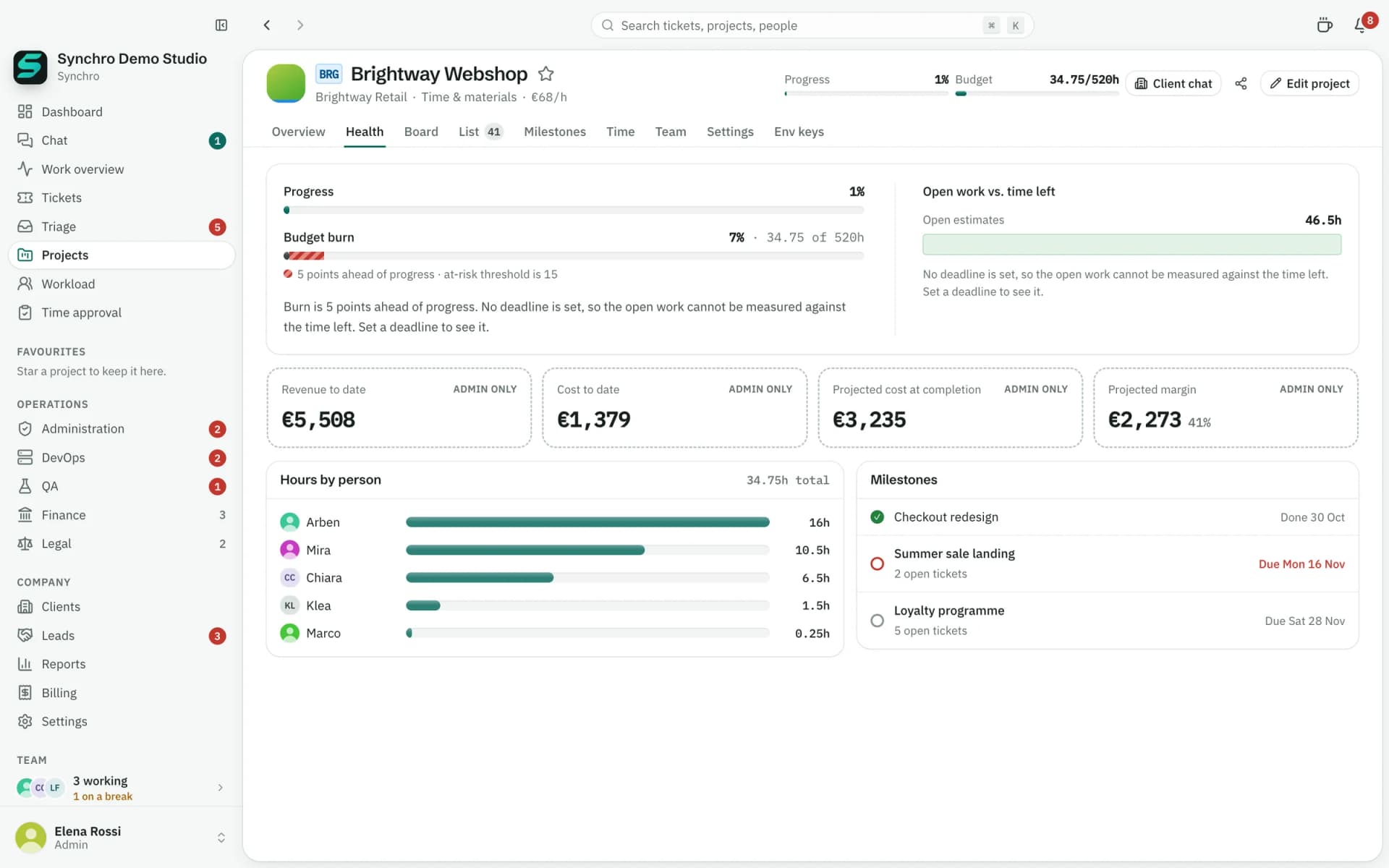 Project healthProgress against budget burn, the pace of the last two weeks and the projected margin at completion.
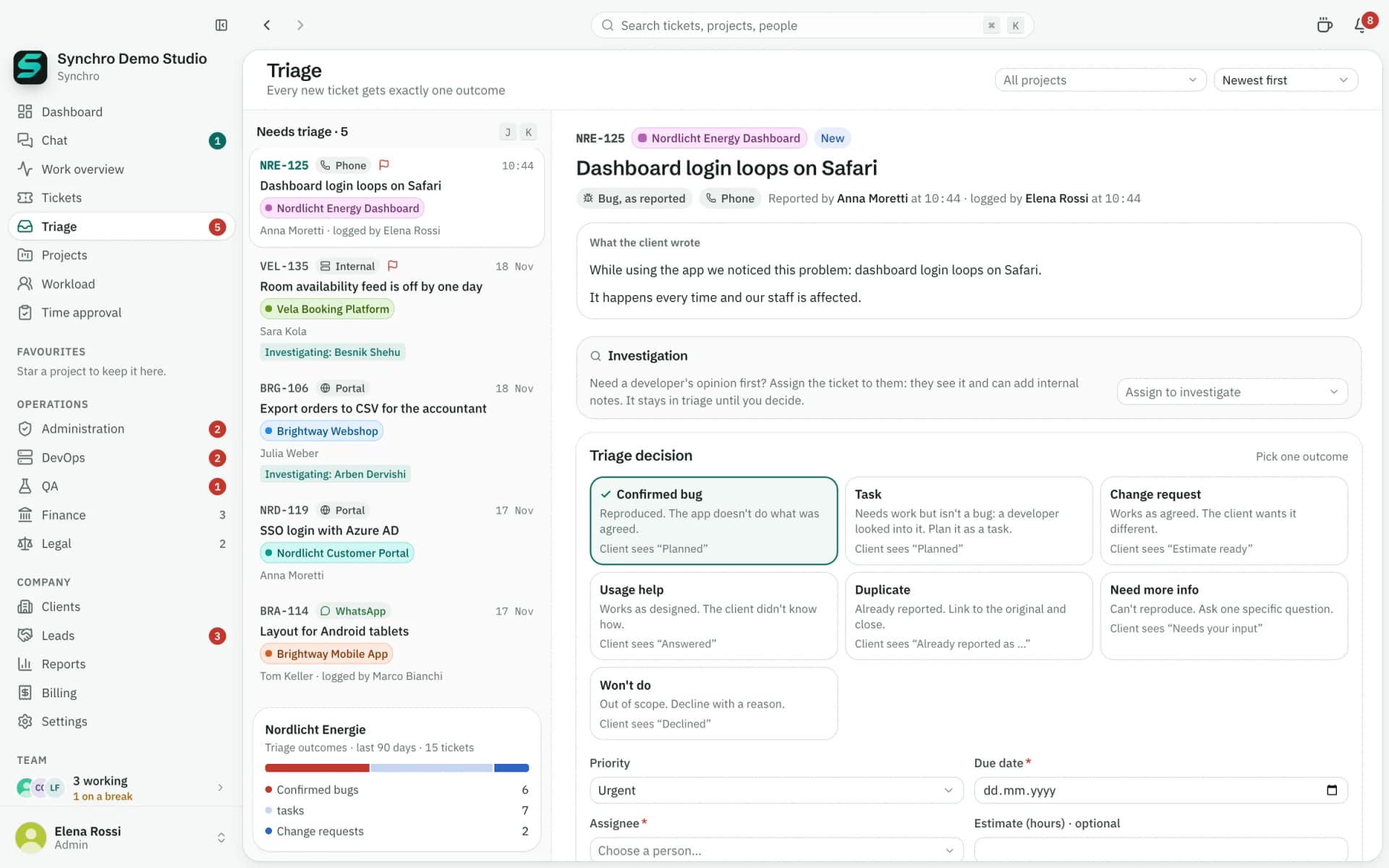 TriageEvery new report gets exactly one outcome. Changes are estimated and approved instead of being given away.
See it on your own projects.
A 30-minute walkthrough on a scenario like yours: from WhatsApp message to ticket, from estimate approval to month-end invoice.