Platforms
Works wherever your team works.
A change on one device shows on the others immediately. Native notifications on desktop and mobile, even with the window closed.
- Web
- iPhone and iPad
- Android
- Windows
- Mac
- Widgets for iOS and Android
Desktop apps for Mac and Windows
- Lives in the menu bar or system tray, with unread counts on the Dock or taskbar.
- Native notifications with inline chat replies and quiet hours.
- A global shortcut opens the command palette from anywhere.
- Opens instantly from its cache and updates itself in the background.
- Sign-in tokens stay in the system keychain.
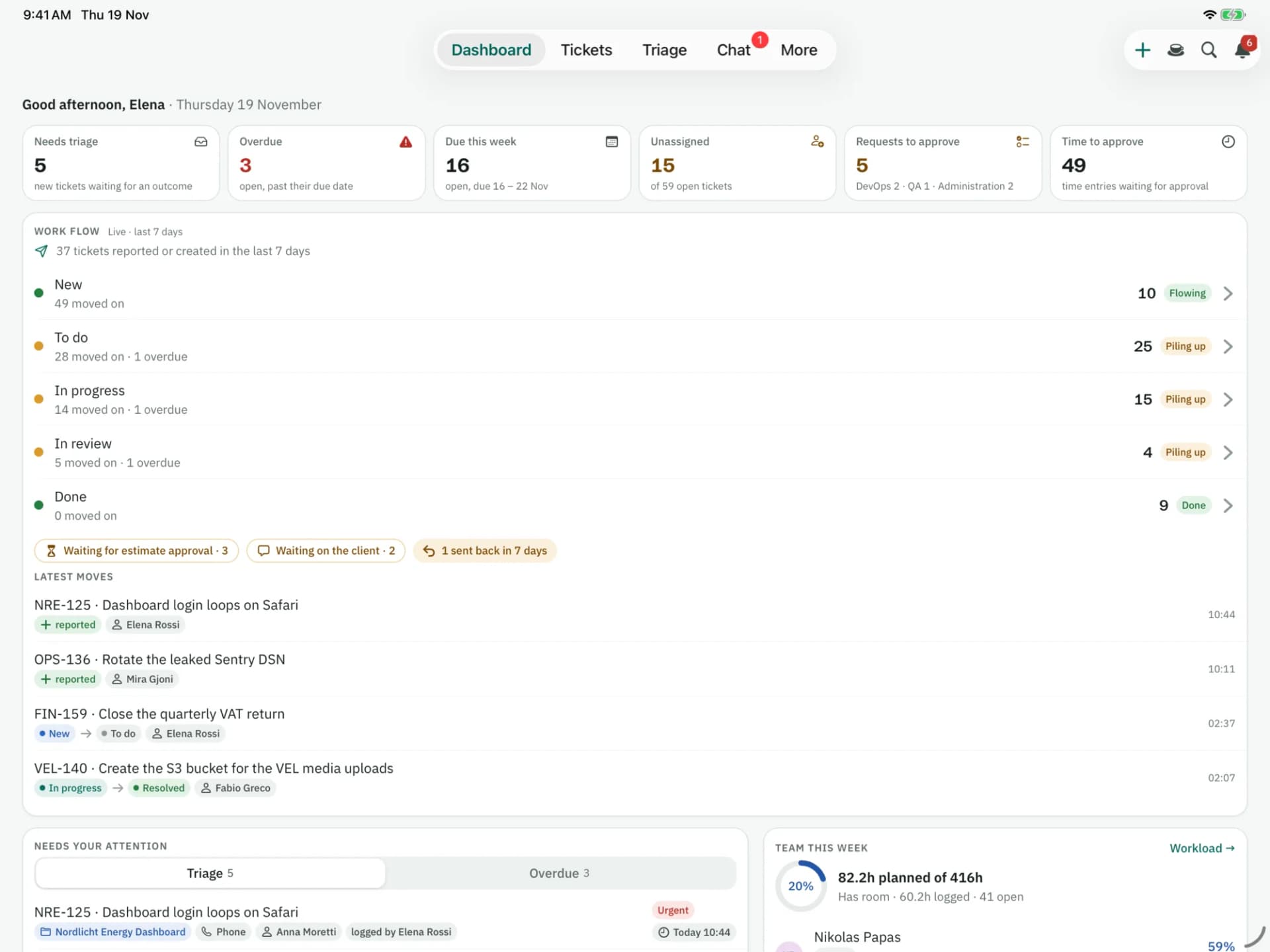
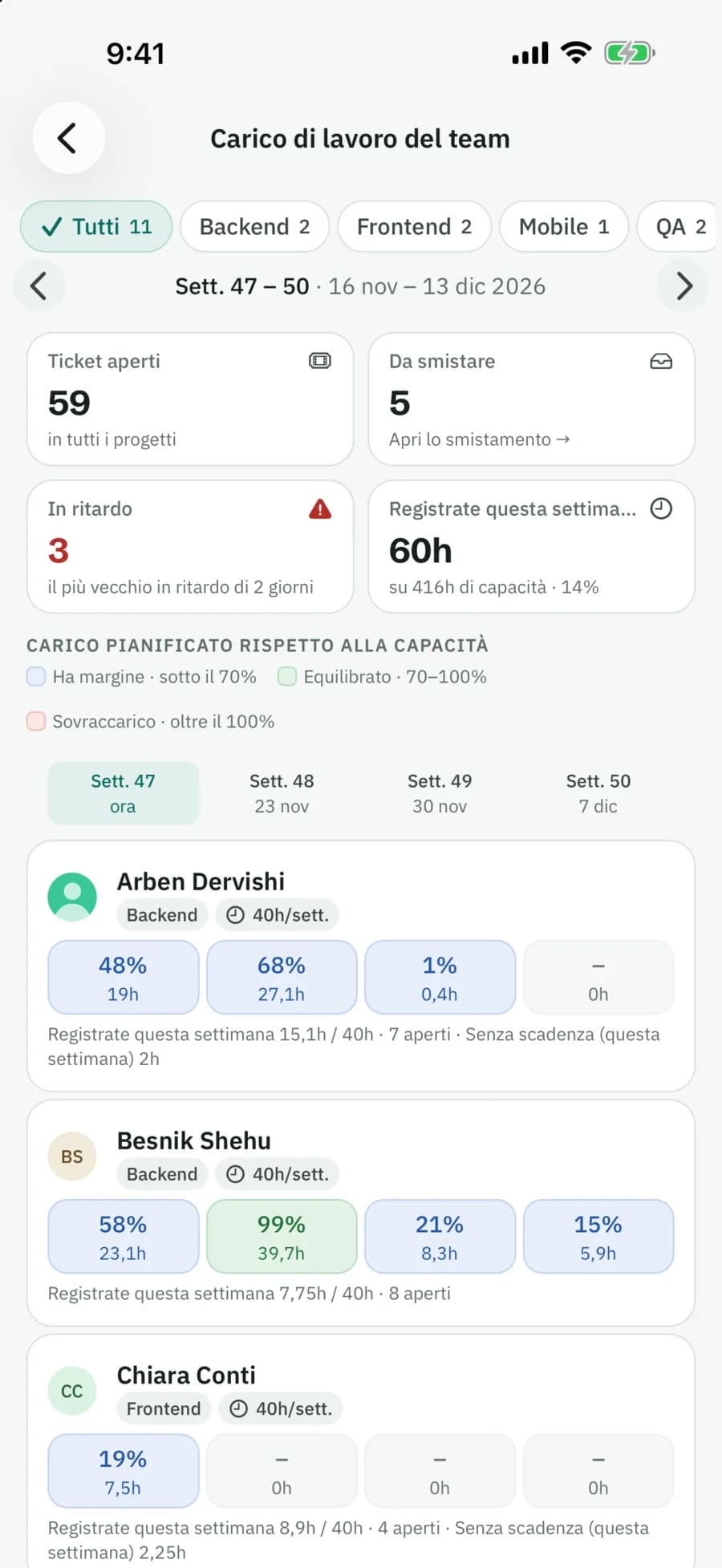
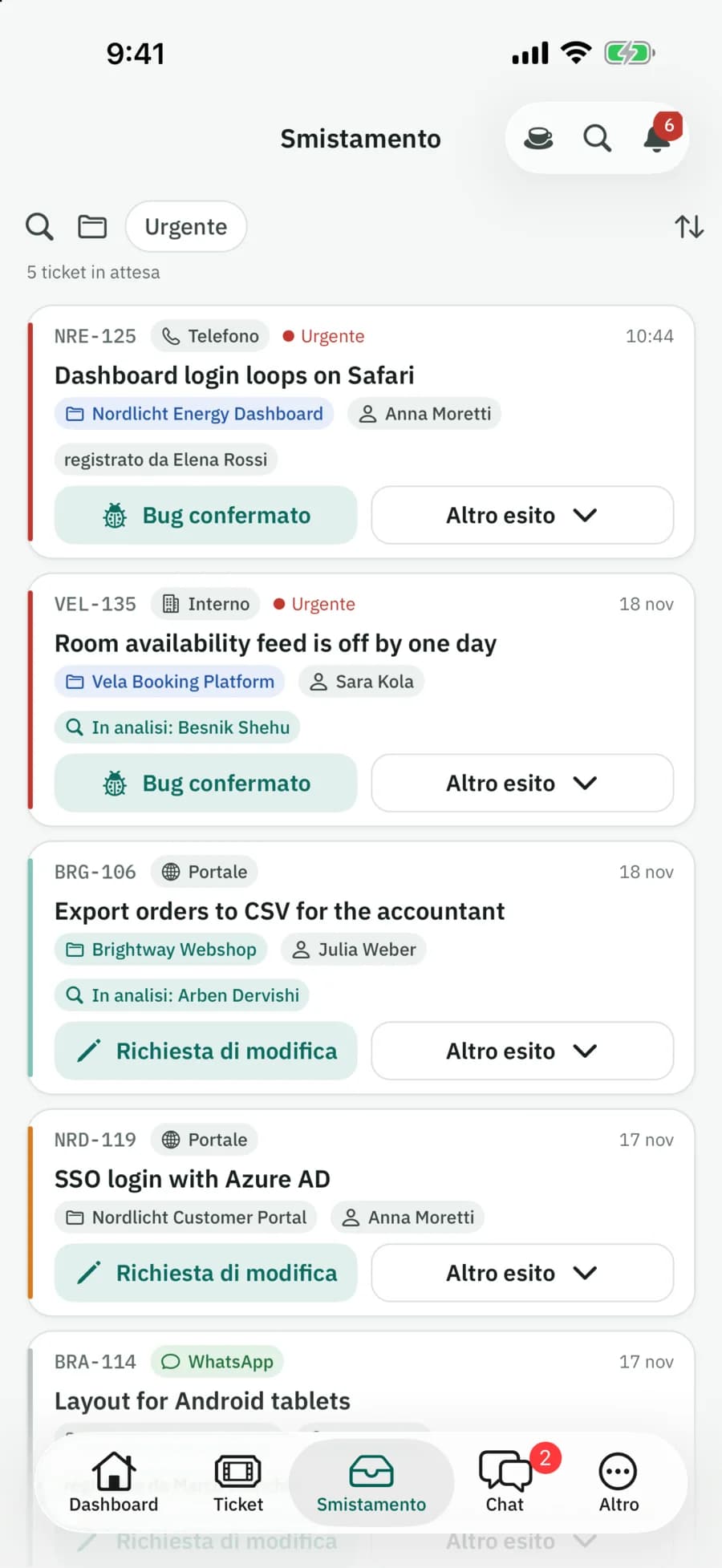
Mobile apps for iPhone, iPad and Android
- A running timer or break on the lock screen and in the Dynamic Island.
- Reply to chat straight from a notification.
- Swipe to reply, hold to record a voice note, pinch to zoom photos.
- Reading works offline; nothing is silently queued.
- Tabs shaped for each role: My work, Board, Triage or My requests.
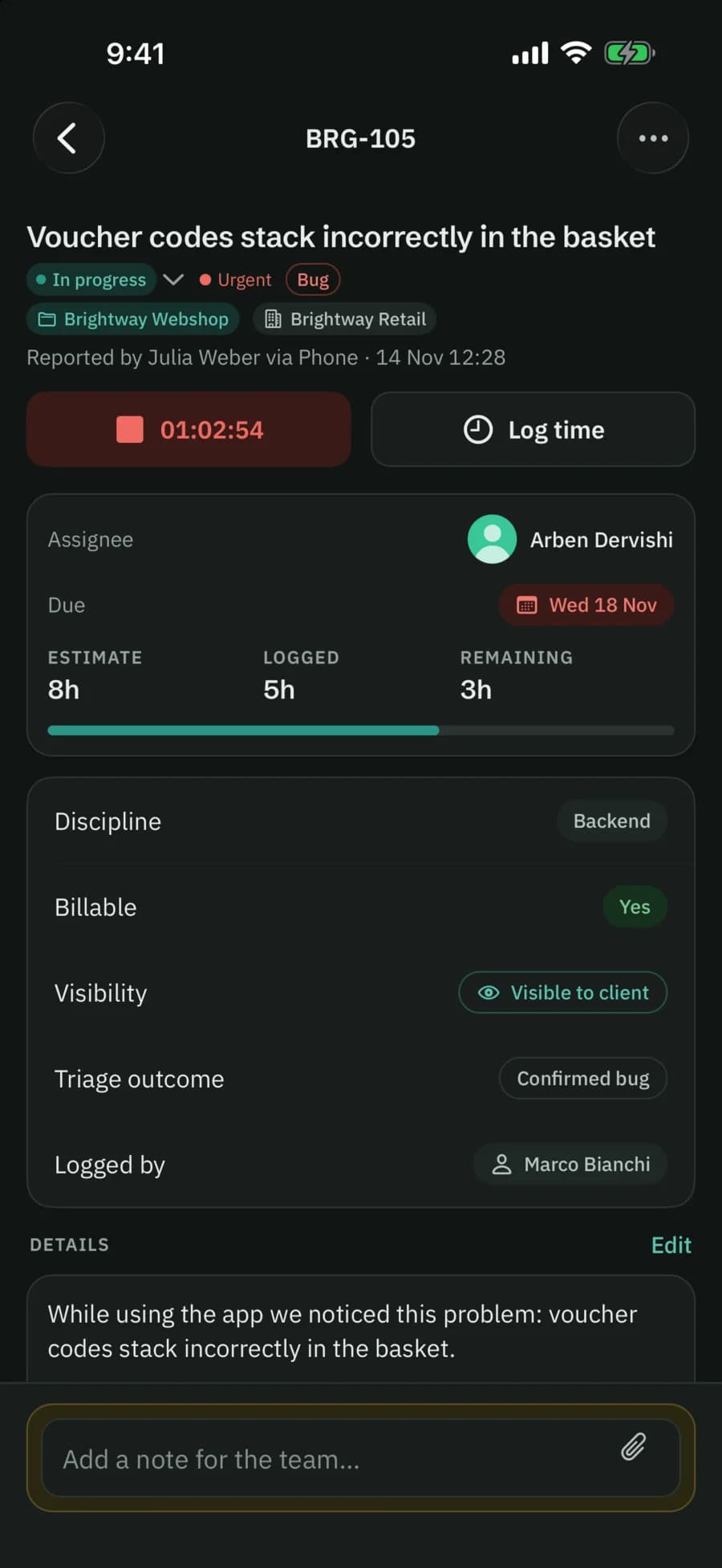
Widgets for the home and lock screen
- Timer
- Break
- My work
- Hours today
- Unread chats
- Team now
- Next deadline
- Queue
- Leads
- My requests
Widgets draw a stored snapshot and never hold a sign-in token. Chat previews stay generic.
Fast everywhere
- Command palette (Ctrl or Cmd + K) for tickets, projects, people and actions.
- Keyboard shortcuts across the web app: press ? to see them.
- Live updates across tabs and devices.
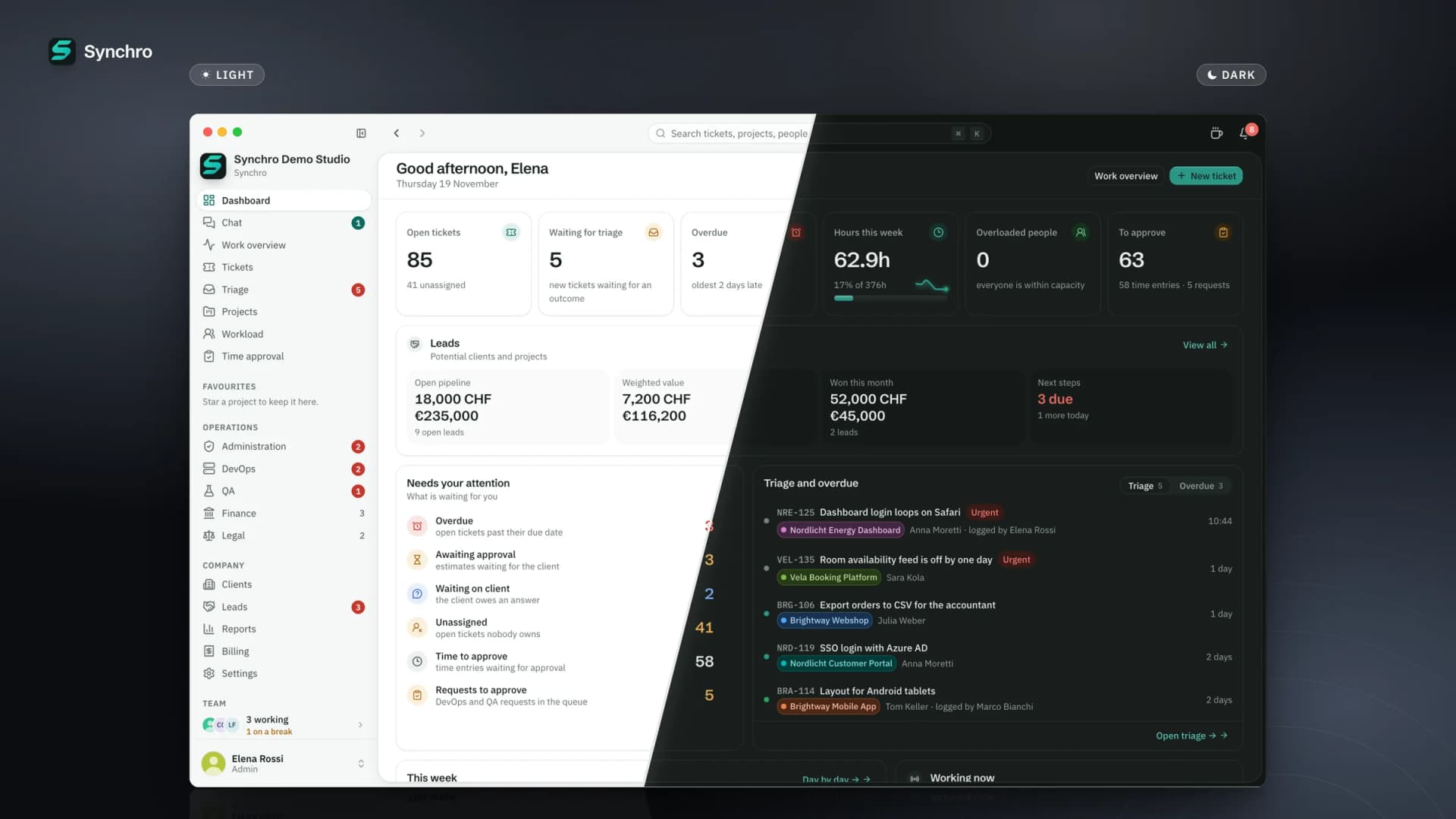
Three languages. Your colours.
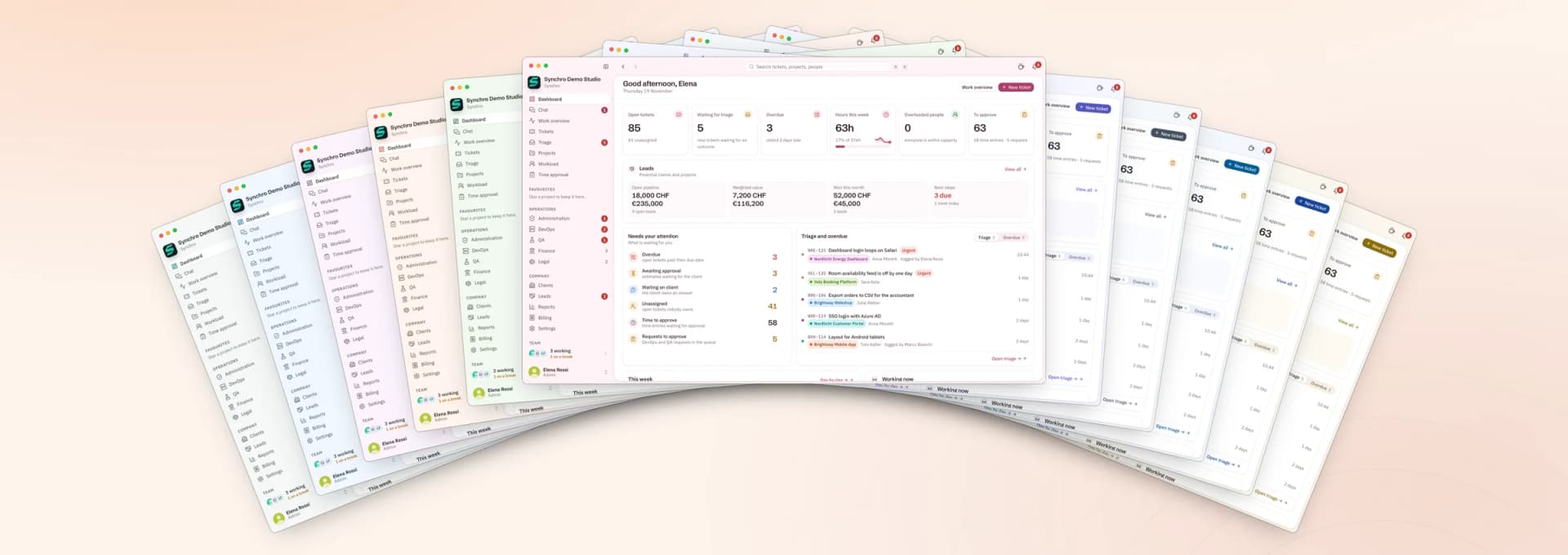
Interface, notifications and client emails in English, Albanian and Italian. Light, dark or system theme, and eleven colour themes.
See it on your own projects.
A 30-minute walkthrough on a scenario like yours: from WhatsApp message to ticket, from estimate approval to month-end invoice.